Kitchen finish proposals for your clients
For cabinet dealers and remodelers. Show cabinet and countertop pairings in your client’s kitchen, then send a PDF with the products you’d quote.
Make a client proposal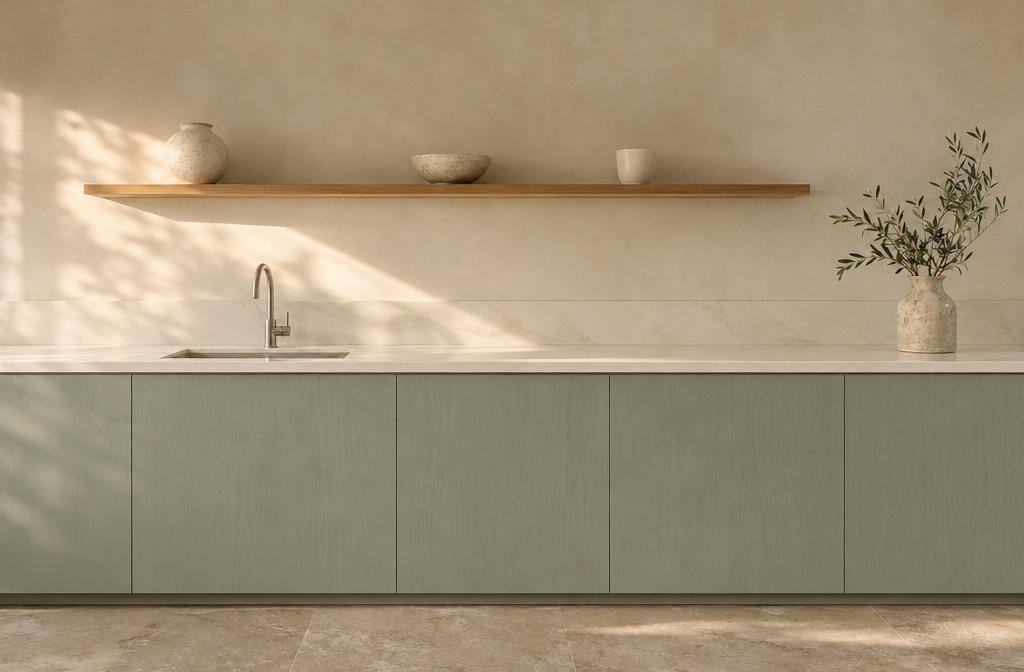
What goes in the proposal
- The kitchen and finish options
- Start with a photo from the site visit. Choose the pairings your client wants to see and compare them against the original room.
- Your product specifications
- Type in the cabinet and countertop products you carry, paste their supplier links, and note details to check against physical samples.
- A copy for the client
- Add your studio and client names, then export the PDF for their review. Save a copy before starting your next client’s kitchen.
Online rendering requires an active Studio subscription and available monthly render allowance. You can use the demo kitchen, compare finishes locally, and export an existing proposal as a PDF without signing in or using any allowance. If you use up your allowance, local tools still work and online rendering can resume when your allowance resets at the start of the next UTC calendar month.